With today’s high resolution image sensors (30-50MPix) we owe it to ourselves to extract the maximum quality of image possible. Even if the images will only be shown on the web, you never knw when you will be called upon to make a large print or to perform a significant crop. Image quality is optimized according to a number of factors - exposure, focus, lens quality and camera stability. This latter factor becomes important when images are captured hand-held, which is, let’s face it, most of the time. When circumstances require slow shutter speed it’s easy to induce camera shake which destroys image resolution. This article addresses what can be done, if anything, to mitigate (hand held) camera shake when optimum image quality is desired.
Recently, new software has been launched which claims to remove the effects of camera shake from images. These are (i) in Photoshop - Filter -> Sharpen -> Shake reduction, and (ii) Piccure+, a new app which specifically claimes to remove the effects of camera shake. I tested both and have some initial conclusions:
1. Software to eliminate camera shake is complex and slow so expect to spend some time on post processing
2. At best, the tools are a “blunt instrument”. That is, the effects can only be reduced, not eliminated
3. It’s easier to reduce “micro-shakes” - small effects, than large, blurry, shakes (obvious).
Here are some examples.
Micro-shake.
Below is a 100% crop of an image, taken hand-held, with not noticable shake:
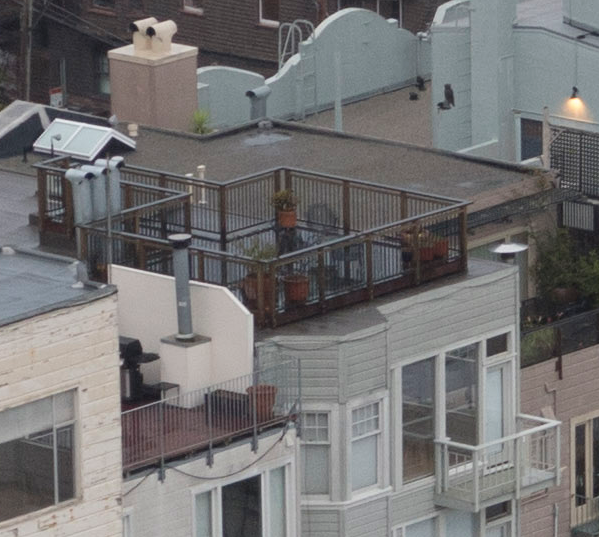
SONY A7R II, 1/30sec, f/4, ISO 400 (dull morning)
Next is a crop with a small amount of shake.
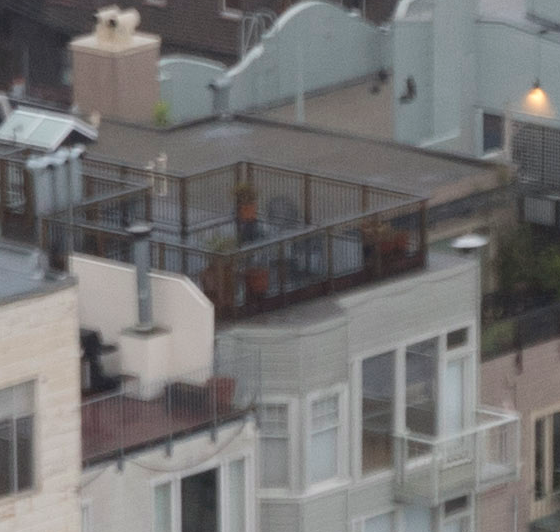
1/15sec, f/6.3
Next is a corrected crop, using the Photoshop Shake reduction tool.
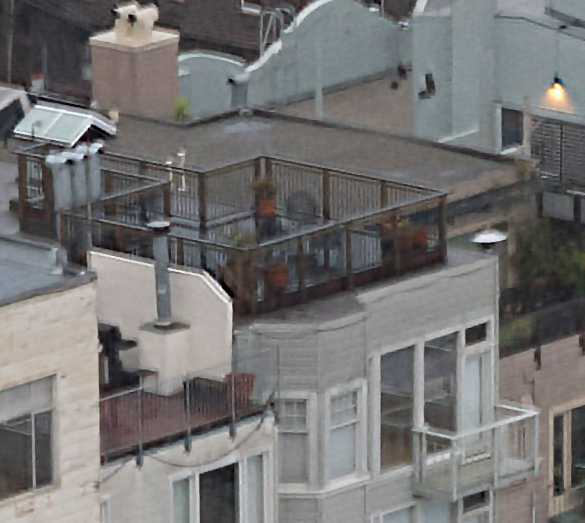
Better, but no cigar.
Next is a crop processed by Piccure+ set to the micro-shake setting.
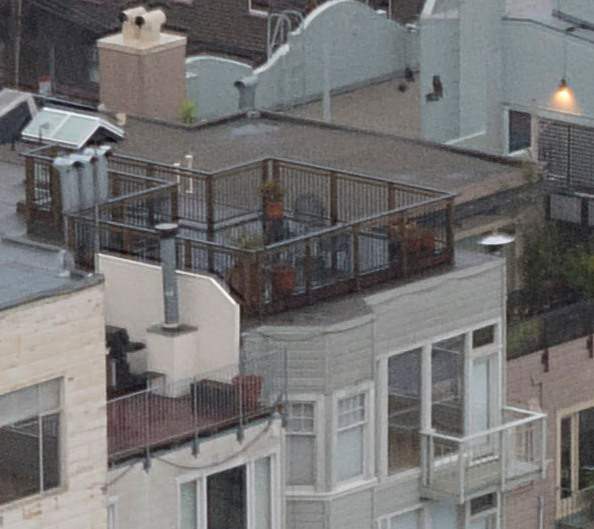
Much better. In fact, pretty close to the non-shake image.
It looks like, for micro-shakes, Piccure+ does a better job than PS. However, a lot depends on how you set the parameters of each tool and I’m just beginning to get the hang of it.
Next I tried a much more severe shake.
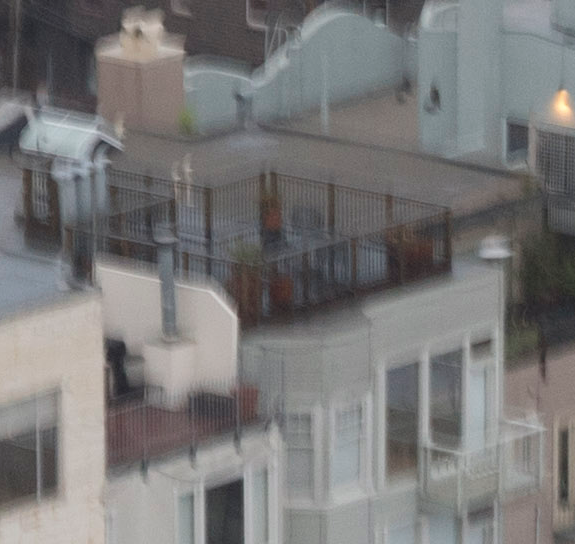
1/8sec, f/8
Below is a crop from the PS tool.
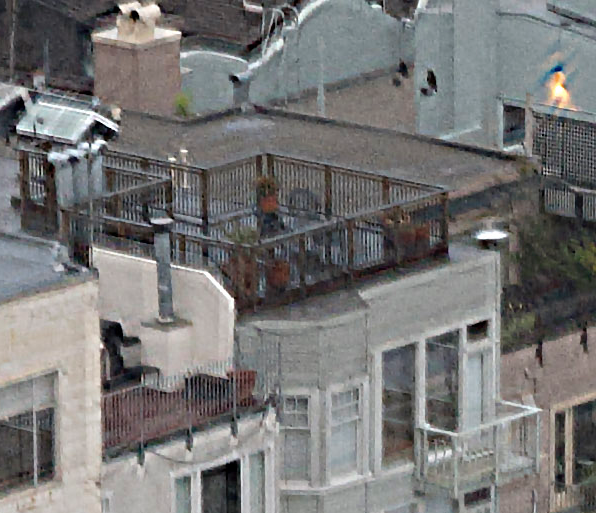
Definitely not perfect but a reasonable attempt.
Next is Piccure+
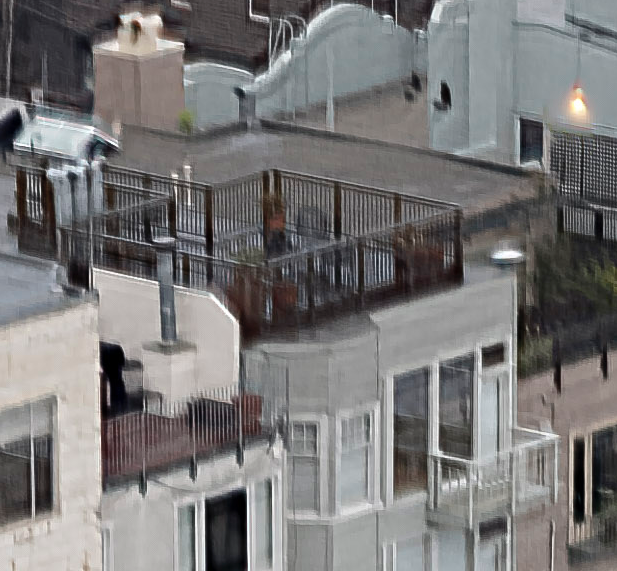
It’s hard to tell which on is better. The PS rendering has more detail but also more artifacts. Neither is very satisfactory compared to the non-blurred version. Remember, however, these are crops from a 42MPix image so most of these artifacts won’t be visible unless the image is significantly magnified.
While there is more to be done to tweak the tools better, I’d say that it’s practical to consider reducing “micro-shake” but I would only try to correct larger shakes in an emergency and when image magnification is not required.
It’s also worth noting that while both tools are slow, Piccure+ is especially slow, taking minutes to render a result.
More to come.